냥냥 Nyang2
MML Editor
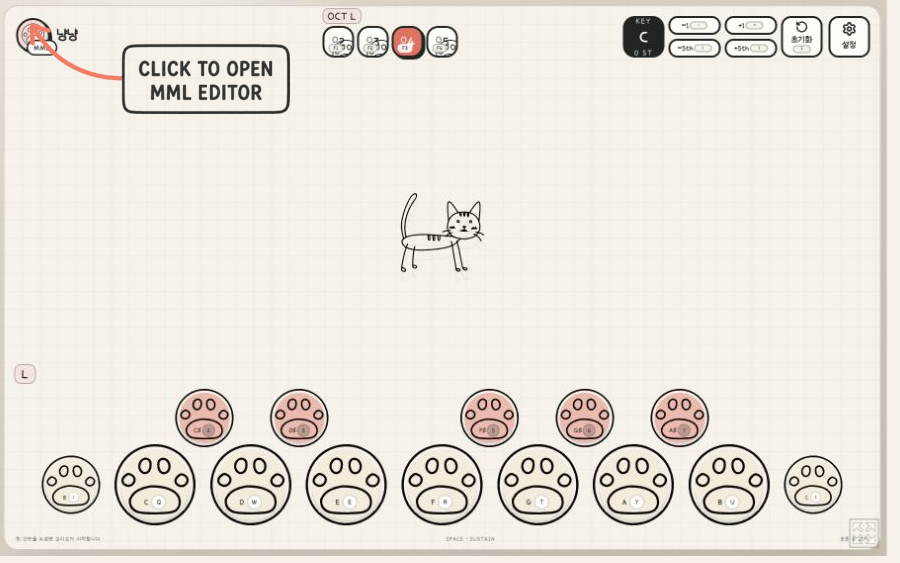
Click the paw-shaped MML badge in the upper-left to open the editor.
點選左上角的 MML 肉球圖示即可開啟編輯器。
左上の肉球型 MML アイコンをクリックすると、エディターが開きます。
왼쪽 위의 발바닥 모양 MML 아이콘을 누르면 편집기가 열립니다.
English
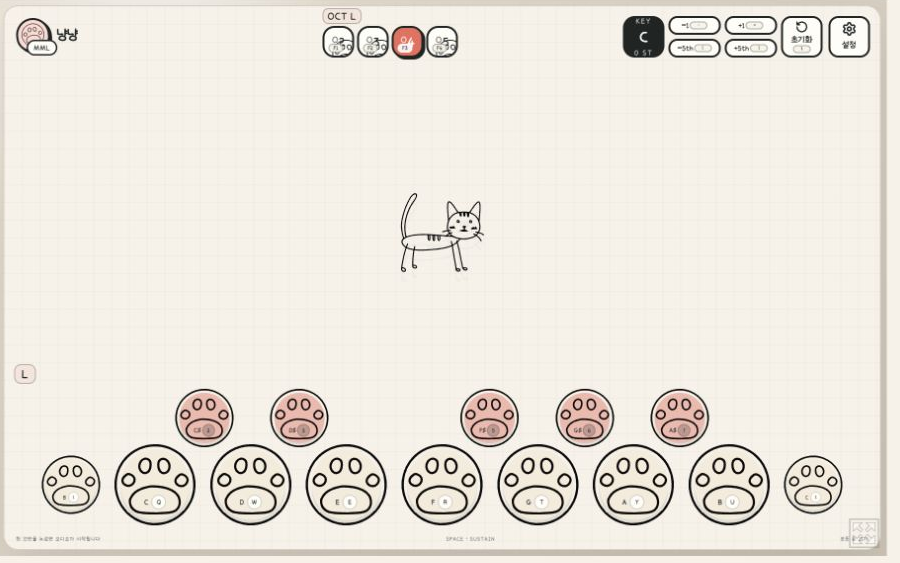
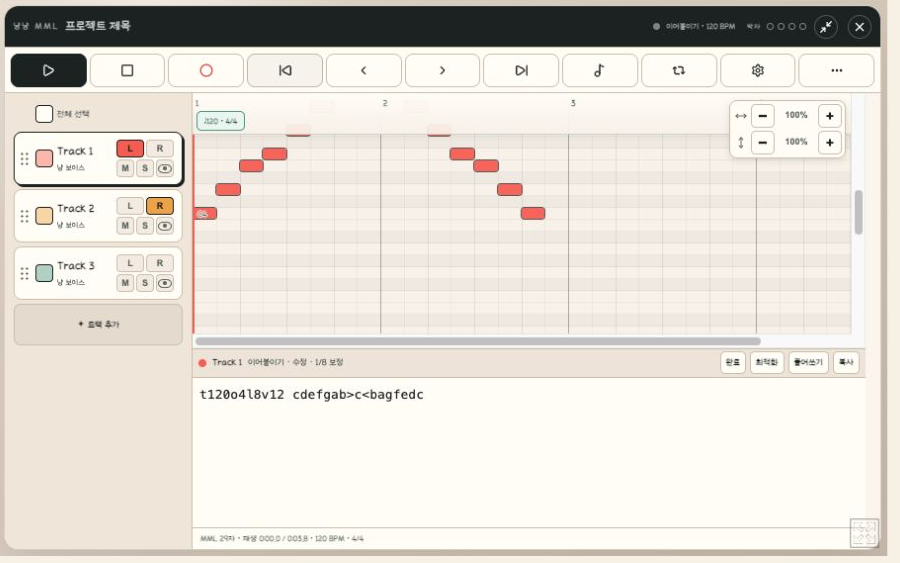
Create, edit, preview, and play MML on the web or desktop. Nyang2 is available as an HTML5 app and as downloadable builds for Windows and macOS.
It can also be used to compose MML for Mabinogi and Mabinogi Mobile.
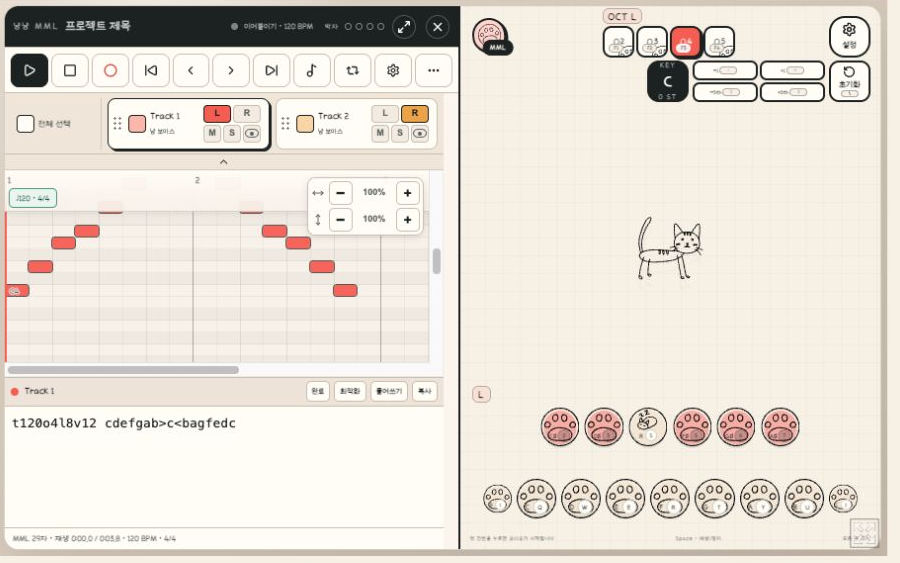
For the best experience, use fullscreen or open the standalone web version.
繁體中文
在網頁或桌面環境中創作、編輯、試聽與演奏 MML。냥냥 Nyang2 提供 HTML5 線上版,以及 Windows 與 macOS 下載版本。
也可用來製作《瑪奇》與《瑪奇 Mobile》使用的 MML。
為獲得更好的使用體驗,建議使用全螢幕模式,或開啟獨立網頁版。
日本語
Webブラウザやデスクトップで、MMLの作成・編集・試聴・演奏ができます。HTML5版をブラウザですぐに起動できるほか、Windows版とmacOS版もダウンロードできます。
『マビノギ』や『マビノギモバイル』で使用するMMLの作成にも利用できます。
快適に利用するには、全画面表示または単独のWeb版をおすすめします。
한국어
웹과 데스크톱에서 MML을 만들고, 편집하고, 미리 듣고, 직접 연주할 수 있습니다. HTML5 웹앱으로 바로 실행하거나 Windows 및 macOS 버전을 내려받아 사용할 수 있습니다.
마비노기와 마비노기 모바일에서 사용할 MML을 만드는 용도로도 활용할 수 있습니다.
더 편하게 사용하려면 전체화면 또는 독립 웹 버전을 권장합니다.
Compatibility
Compatible with MML used in Mabinogi and Mabinogi Mobile.
Mabinogi and Mabinogi Mobile are trademarks of their respective owners. Nyang2 is an independent project and is not affiliated with or endorsed by NEXON or devCAT.
Download
Click download now to get access to the following files:
Leave a comment
Log in with itch.io to leave a comment.